
Once Triberr imports your post, it will make it available for others in your tribe to share.
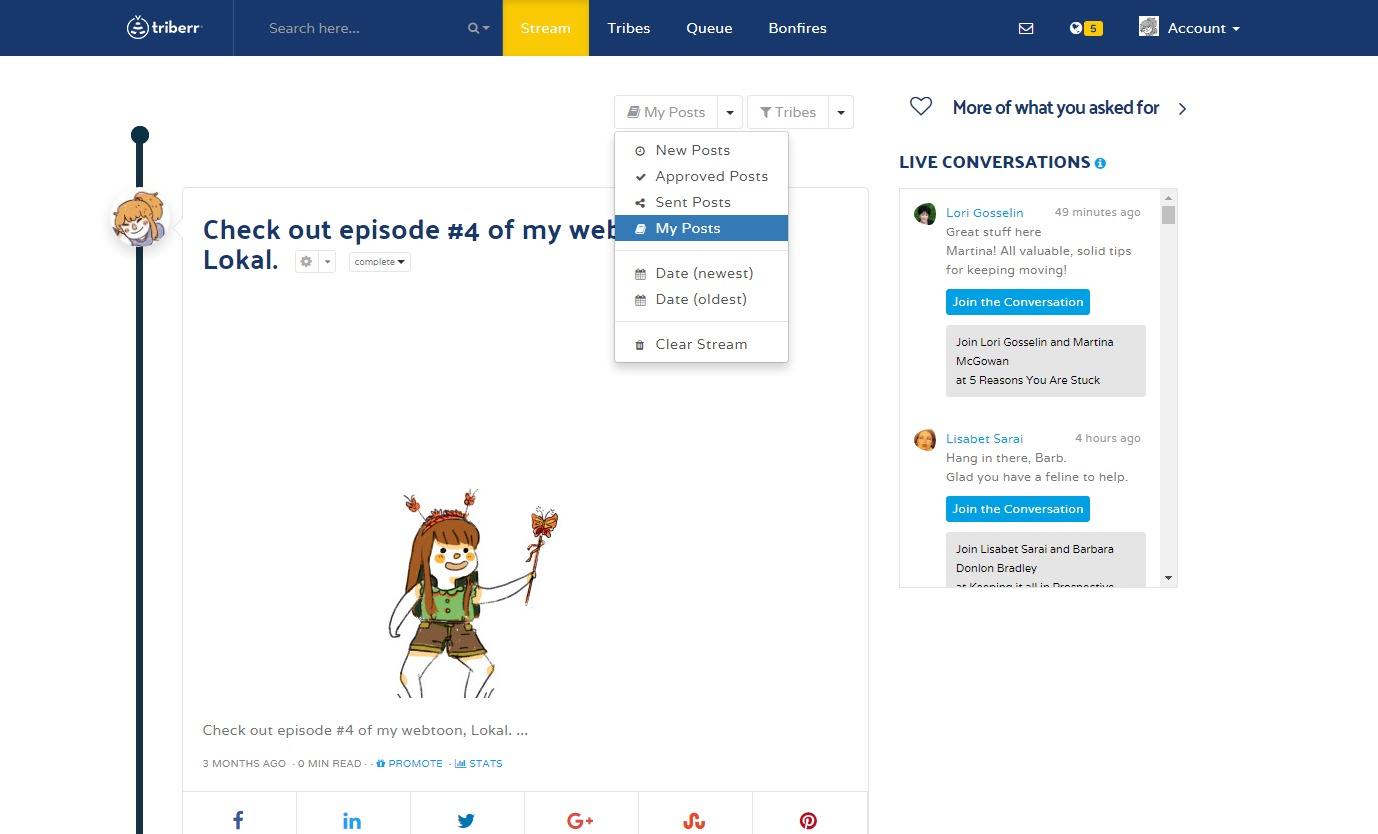
To see who has shared your post, go to your Tribal Stream and click the "My Posts".
The 2nd icon to the left will say something like "10 Shares". Click that icon to expand the share details box.
Next to each profile picture are little icons to represent Twitter, Facebook and LinkedIn. Those are the networks that this member has shared this post on.
Triberr can only keep details about who shared your post for about 2 weeks. After that you will still be able to see how many total shares each post received, but you won't be able to see who shared it.
Comments
0 comments
Please sign in to leave a comment.