
To add a blog to Triberr, navigate to the Account Settings pag
Once on the account settings page, click the "My Blogs" tab.
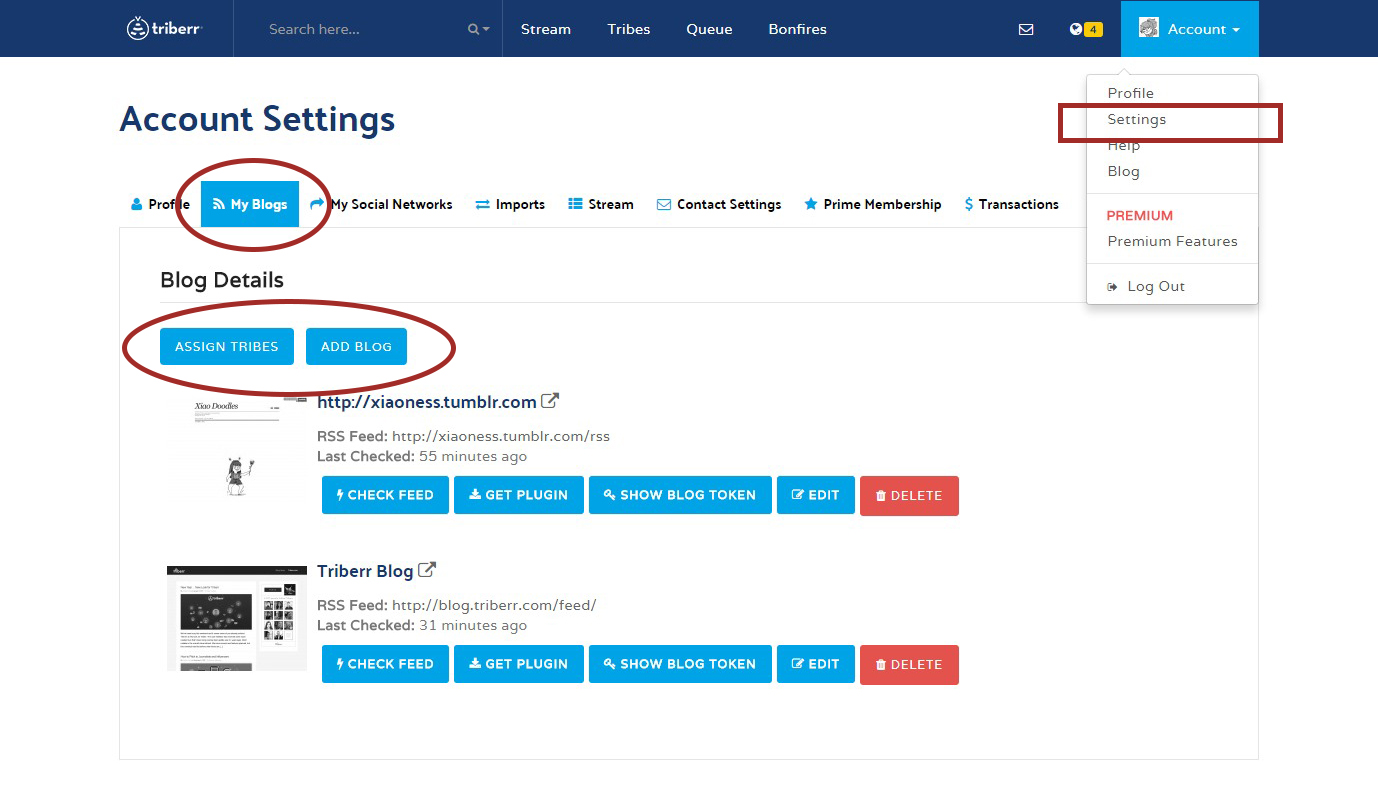
On the, "My Blogs" tab, click the "+ Add Blog" button. Fill in your Blog's name, URL and RSS feed, and your blog will be added to Triberr.
Note that for free users, you can only add a maximum of 2 blogs in your account.
Learn more about Memberships here
http://triberr.com/pages/prime.php
Comments
0 comments
Please sign in to leave a comment.